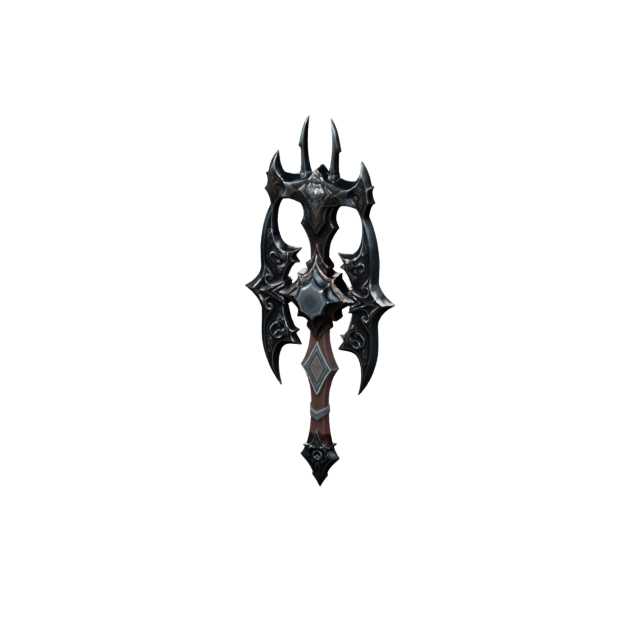
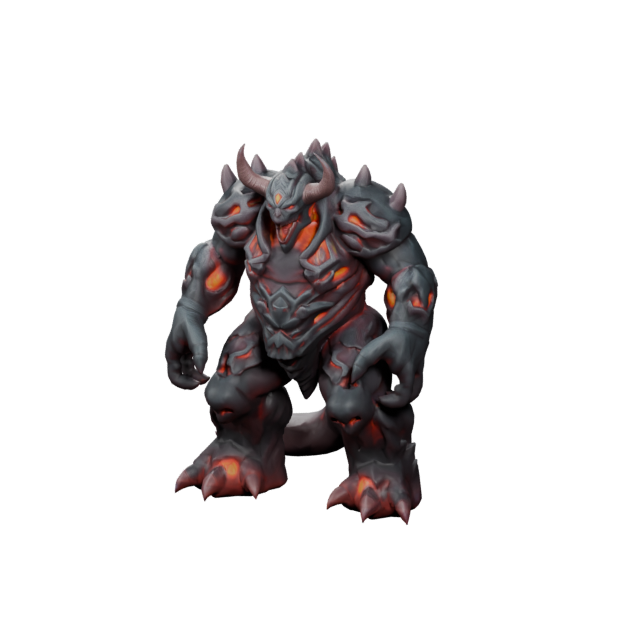
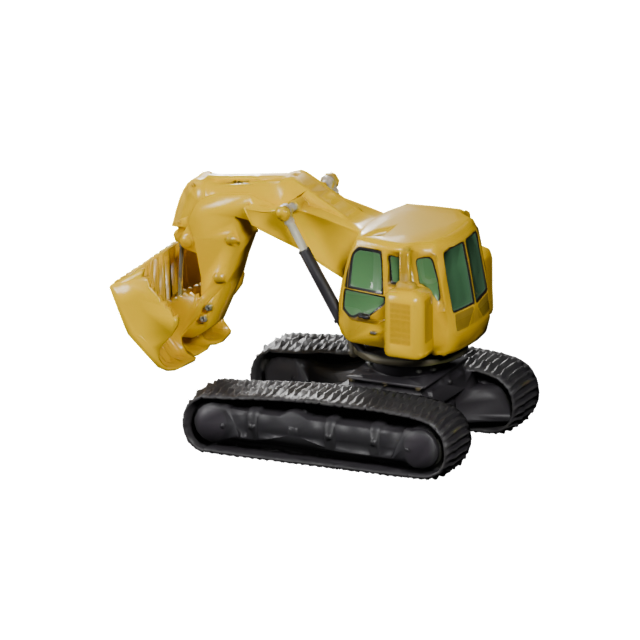
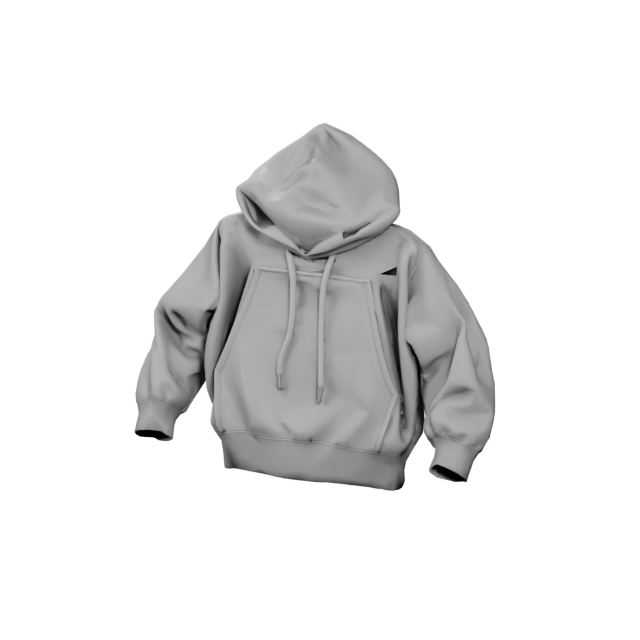
V1.0 model
Free · Seconds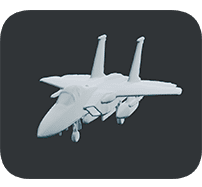
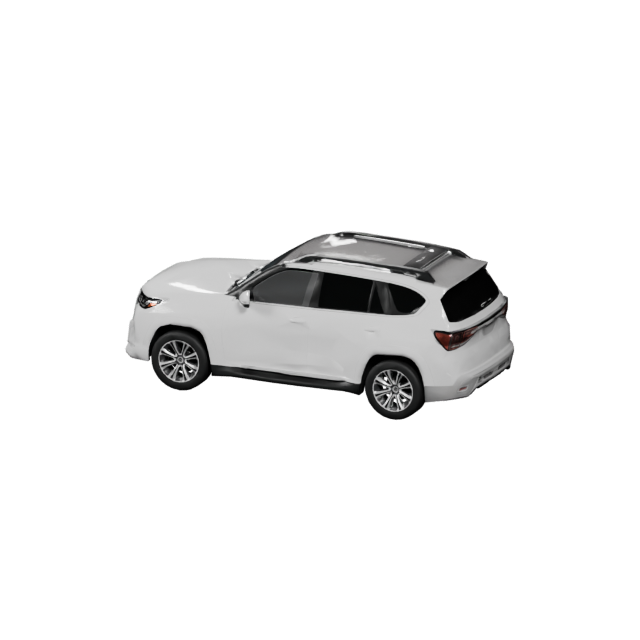
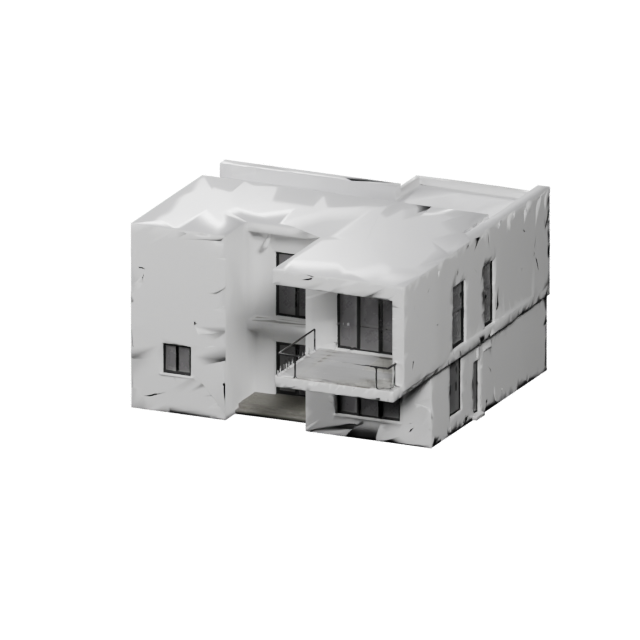
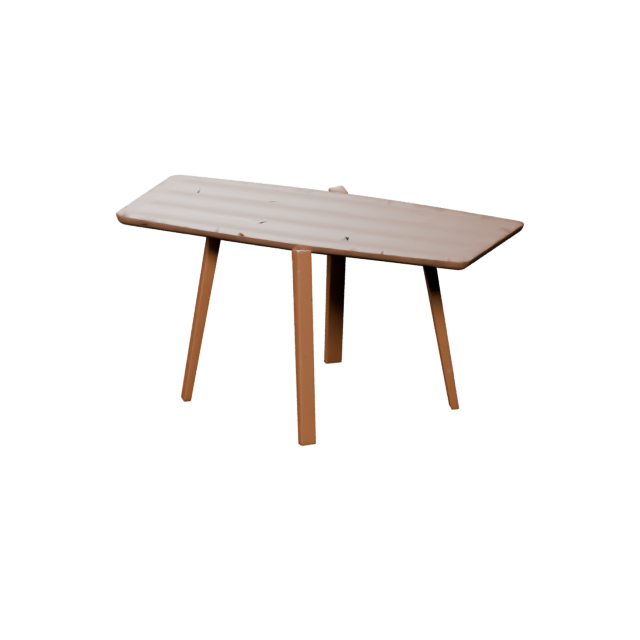
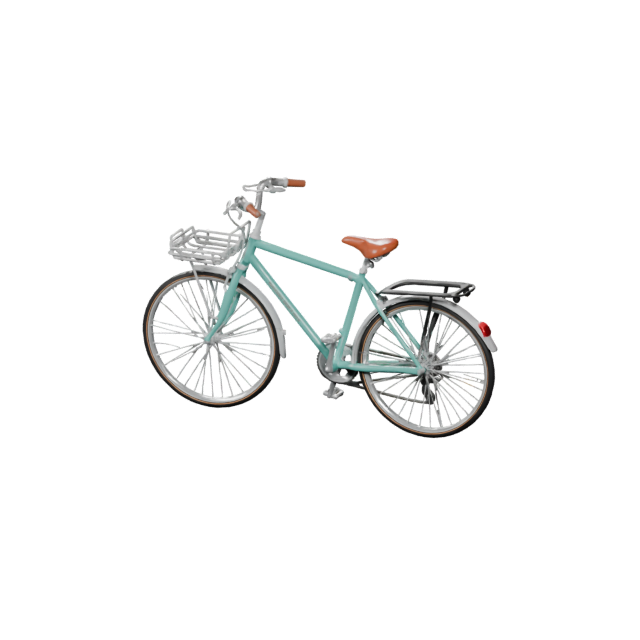
Fast draft mesh. V1.0 creates a clean basic 3D model in seconds — great for blocking out ideas, quick previews, and free everyday 3D making.
Untextured modelSeconds to makeFree credits
 Make3DAI.com
Sign in or create your account to generate and manage your AI 3D models.
By continuing, you agree to our Terms and Privacy Policy.
Make3DAI.com is an AI 3D model maker for turning text prompts, reference images, or multiple views into downloadable 3D models. Use Make3D AI to make game assets, characters, props, product concepts, 3D printing models, AR objects, and e-commerce visuals — then preview, refine, and export GLB, OBJ, FBX, STL, PLY, USDZ, and 3MF files.
This model is designed for subscribers. Upgrade your plan to unlock higher-quality 3D generation and advanced model options.
Make3DAI.com is an online AI 3D maker. Instead of building geometry by hand in tools like Blender, ZBrush, or CAD, you describe an object or upload an image and Make3D AI makes the 3D model for you. It is the fastest way to make 3D models with AI when you need a usable, downloadable asset — not just a flat picture of something 3D. Start with text or an image, make your model in seconds, preview it in the browser, and export a real 3D file for games, 3D printing, AR, product design, e-commerce, and content.
See how far the Make3DAI.com AI 3D maker has come. We used the exact same prompt to make 3D models with the free V1.0 model and the latest V4.0 model — same words, very different 3D results.
“A military jet aircraft with swept wings, cockpit canopy, twin tail fins, and landing gear”
Fast draft mesh. V1.0 creates a clean basic 3D model in seconds — great for blocking out ideas, quick previews, and free everyday 3D making.

Production-grade detail. V4.0 reads the same prompt and makes sharper geometry, a defined cockpit, weapon pylons, landing gear, and realistic surface texture — ready for games, renders, and printing.
Type your own prompt in the 3D maker above — free credits included, no modeling software needed.
Pick the input that matches what you already have. Every mode in Make3DAI.com makes a downloadable 3D model you can preview, refine, and export.
Describe a prop, character, product, toy, creature, vehicle, or scene object in plain words. Make3D AI turns your prompt into a generated 3D model you can download and use — no modeling skills required.
Make 3D from TextUpload a product photo, sketch, concept art, or any clear picture. The AI 3D maker builds a 3D model based on the main subject in your picture, ready to refine and export.
Make 3D from PictureProvide front, side, back, or extra angles when you want better consistency and more control over the final shape. Make3D AI combines the views into one cleaner 3D model.
Make 3D from Multiple PictureMake3DAI.com is built for creators who want practical output. Make characters, props, product concepts, printable models, AR objects, and visual assets from a simple prompt or image.
Make tools, weapons, furniture, treasure chests, keys, gadgets, decorations, and environment props for any scene.
Make mascots, robots, animals, creatures, stylized people, collectible figures, and fantasy characters with AI.
Make 3D mockups for landing pages, design reviews, pitch decks, and early visual testing in minutes.
Make printable toys, miniatures, classroom models, collectibles, hobby parts, and prototype shapes as STL or 3MF.
Make props, pickups, creatures, vehicles, low-poly objects, and environment assets for Unity, Unreal, and indie games.
Make GLB and USDZ-ready objects for AR previews, web 3D pages, interactive demos, and immersive experiences.
Make 3D product-style assets, model previews, and render-ready objects for online stores and product pages.
Make 3D objects for thumbnails, social posts, marketing campaigns, portfolio visuals, and digital storytelling.
Make3D AI keeps the workflow simple: start with an idea, make the model, check it in your browser, then export a real 3D file for your next step.
Start with a text prompt, a product photo, a sketch, a reference image, or a multiview set to guide what Make3D AI should make.
Choose a model version and Make3D AI makes the geometry, shape, and surface detail that matches what you described or uploaded.
Inspect the result, apply optional maker tools, and export GLB, OBJ, FBX, STL, PLY, USDZ, or 3MF files for your project.
Name the object, then add style, material, and purpose. These recipes help Make3D AI understand what to make and turn it into a stronger 3D result.
Make a stylized object for a game prototype.
“a low-poly fantasy treasure chest with gold trim, glowing blue gems, stylized game asset texture”Make a friendly mascot or toy-like character.
“a cute robot mascot with rounded body, big eyes, short arms, glossy plastic material, friendly look”Make a product concept with real material detail.
“a modern wireless speaker with soft corners, fabric texture, black rubber base, studio product design”Make a collectible with a clean printable form.
“a small dragon figurine on a circular base, sculpted collectible style, clean printable shape”Make a clean object for AR and web 3D.
“a simple modern chair with fabric cushion, wooden legs, clean geometry, realistic material”Make a playful, rounded model for toy concepts.
“a colorful cartoon animal toy with smooth rounded shapes, soft plastic material, kid-friendly style”Make a scene object for fantasy or game worlds.
“a cozy wooden cabin with snowy roof, glowing windows, stylized fantasy game asset”Make a premium product-style visual asset.
“a premium perfume bottle with transparent glass, gold cap, elegant label, clean product render style”The first model is only the start. Make3D AI includes practical tools to render, texture, repair, convert, remesh, segment, and prepare the 3D models you make for real use.
Whether you are building a game, testing a product idea, preparing a classroom project, or making content for a store, Make3D AI gives you a usable 3D starting point faster.
Make props, characters, pickups, weapons, vehicles, buildings, and environment pieces for game prototypes.
Make STL and 3MF models for hobby printing, classroom projects, miniatures, toys, and early prototypes.
Make rough 3D concepts for hardware ideas, packaging, accessories, decorative objects, and product visuals.
Make lightweight 3D objects for AR previews, interactive pages, website embeds, and immersive product displays.
Make visual learning objects, printable classroom models, science project assets, and hands-on educational content.
Make 3D visuals for ads, product pages, launch campaigns, thumbnails, social media, and brand storytelling.
Make3DAI.com is designed for creators who want to move from idea to usable 3D model without learning complex modeling software first.
Start making 3D models without Blender, CAD, sculpting, UV mapping, or professional 3D experience.
Make real, downloadable 3D files you can open and edit — not just flat images of 3D-looking objects.
Make from text, a single image, or multiview references depending on what you already have to work with.
Make assets for games, printing, AR, product concepts, education, e-commerce, and creative content.
Use tools for texture, repair, remesh, conversion, rendering, segmentation, and volume right after you make a model.
Download practical formats like GLB, OBJ, FBX, STL, PLY, USDZ, and 3MF for any pipeline.
Make3DAI.com makes downloadable 3D files for web, games, AR, animation, 3D printing, and design. Choose the format your next tool expects, or convert between them anytime.
Common questions about Make3D AI, the AI 3D maker workflow, supported formats, pricing, and the 3D models you make.
Make3DAI.com is an AI 3D maker that turns text prompts, reference images, or multiple views into downloadable 3D models. Make3D AI builds the geometry, shape, and surface detail for you, so you can make a usable 3D asset right in your browser, preview it, and export it as GLB, OBJ, FBX, STL, PLY, USDZ, or 3MF.
An AI 3D maker is an online tool that uses artificial intelligence to make 3D models from simple inputs such as a text description, a single image, or several reference photos. Instead of modeling by hand in software like Blender, ZBrush, or CAD, you describe or upload what you want and Make3D AI generates a 3D model you can download.
Pick Text to 3D or Image to 3D, choose a model version, then describe the object you want or upload a reference image. Make3D AI generates the 3D model, you preview the result in the browser, and you download a real 3D file. No installation or 3D modeling experience is required.
Yes. Every free member of Make3DAI.com gets free credits, so you can make textured 3D meshes with the V1.0 model and use features such as the 3D viewer and sharing at no cost. Free credits refill on a rolling 24-hour cycle rather than at midnight: once you spend them on a 3D generation, they recover 24 hours after that point. Higher-quality models with PBR materials, detailed geometry, and quad meshes are available on paid plans.
Yes. The Text to 3D maker lets you describe a prop, character, product, toy, vehicle, creature, or scene object in plain language, and Make3D AI turns your prompt into a downloadable 3D model. Add style, material, and detail words to make a stronger result.
Yes. The Image to 3D maker lets you upload a clear front-view reference and create a 3D model based on the main subject. If one image is not enough, Multiview to 3D uses several angles so Make3D AI can make a more consistent and accurate 3D form.
You can make game assets, characters, mascots, props, weapons, vehicles, environment pieces, product concepts, printable 3D models, AR objects, e-commerce visuals, educational models, collectibles, and creative 3D content from a prompt or an image.
Yes. Make3DAI.com can export STL and 3MF files for 3D printing, and the built-in 3D model repair tool and volume calculator help you fix geometry issues and estimate volume, surface area, and material before you send a model to your slicer or printer.
Make3DAI.com supports the common 3D formats GLB, OBJ, FBX, STL, PLY, USDZ, and 3MF, so the models you make work with web viewers, game engines such as Unity and Unreal, 3D printing slicers, AR Quick Look, animation tools, and design software.
No. Make3DAI.com is built for beginners, makers, creators, students, and teams who want to make 3D models without learning Blender, CAD, sculpting, or UV mapping first. The workflow is prompt-first, while optional tools give pros the control they expect.
Make3DAI.com is a maker workspace, not just a generator. After you make a model you can render, texture, repair, remesh, convert, segment, and measure it in the same place, and you always get a downloadable 3D file rather than only a flat image of a 3D-looking object.
With the free V1.0 model you can make a textured 3D mesh from a prompt in seconds. Higher-fidelity models with detailed geometry, PBR materials, and quad meshes take a little longer because Make3D AI builds more surface and structural detail.
Yes. For games you can choose quad meshes, PBR material maps, and cleaner topology so models import well into Unity, Unreal, Blender, and ZBrush. For printing you can export STL or 3MF and use the repair and volume tools to make a clean, print-ready model.
Yes. The AI 3D texture generator lets you make new textures or enhance an existing model using a text prompt or a reference image, so plain geometry becomes stylized, detailed, and production-ready without manual texture painting.
Monthly members receive commercial usage rights for the 3D assets they make. Annual members also receive commercial usage rights and can download a separate commercial authorization license for each individual 3D asset.
If a generation fails and no usable 3D asset is created, the credits used for that failed generation are automatically returned to your account, so you can try again with a clearer prompt or a better reference image at no extra cost.
Make3DAI.com is for indie game developers, 3D artists, product and industrial designers, 3D printing makers, AR and web 3D creators, teachers and students, marketers, e-commerce sellers, and hobbyists who want fast, downloadable 3D models from text or images.
Use Make3DAI.com to turn a prompt, image, or multiview reference into a downloadable 3D model. Start with free credits and make assets for games, products, 3D printing, AR, e-commerce, education, and creative projects.
Start Making 3D Models