Upload a picture
Drop in any picture — a snapshot, drawing, sketch, product shot, or character reference.
 Make3DAI.com
Sign in or create your account to generate and manage your AI 3D models.
By continuing, you agree to our Terms and Privacy Policy.
Make3DAI.com turns any picture into a 3D model — a snapshot on your phone, a drawing or sketch, a product shot, a character reference, a toy picture, or a picture you saved. No modeling skills needed: Make3D AI reads your picture, builds the 3D shape and surface, and lets you preview the model in your browser, then refine, repair, convert, and export GLB, OBJ, FBX, STL, PLY, USDZ, and 3MF for games, product design, AR, 3D printing, e-commerce, and learning.
This model is designed for subscribers. Upgrade your plan to unlock higher-quality 3D generation and advanced model options.
Picture to 3D uses a 2D picture as the starting point for a real 3D model. Instead of modeling an object by hand, you upload a picture and let Make3D AI make the 3D shape from the visible silhouette, style, colors, and surface direction in your picture — a picture-to-3D-model workflow anyone can follow.
The result is a real, rotatable 3D model — not just a 3D-looking picture. Preview it from every angle in the browser, then refine, repair, convert, and download it for whatever you are building.
Make a 3D model from a pictureSix simple steps take you from a picture on your screen to a 3D file ready for your next tool, engine, slicer, or AR scene.
Drop in any picture — a snapshot, drawing, sketch, product shot, or character reference.
Make3D AI reads the main subject in your picture and builds a 3D asset from its shape and visual direction.
Rotate the model and check its front, sides, back, silhouette, and surface detail in the browser.
Improve textures, repair geometry, remesh, segment, or render when the first result needs work.
Pick the file type that fits your engine, slicer, web viewer, AR platform, or design tool.
Export a practical 3D model for games, product design, AR, 3D printing, e-commerce, or learning.
From product shots to game art, Make3D AI adapts Picture to 3D to the subject in your picture. Here are some of the most popular ways creators make a 3D model from a picture.
Turn product pictures into 3D product concepts, e-commerce assets, packaging mockups, device shots, and interactive previews for AR and web.
Turn a product picture into 3DUse character references, mascot drawings, avatars, and creature concepts to make stylized 3D game characters and heroes.
Turn a character picture into 3DMake chibi figures, vinyl-toy styles, miniatures, plush-like shapes, and collectible concepts from a single toy picture.
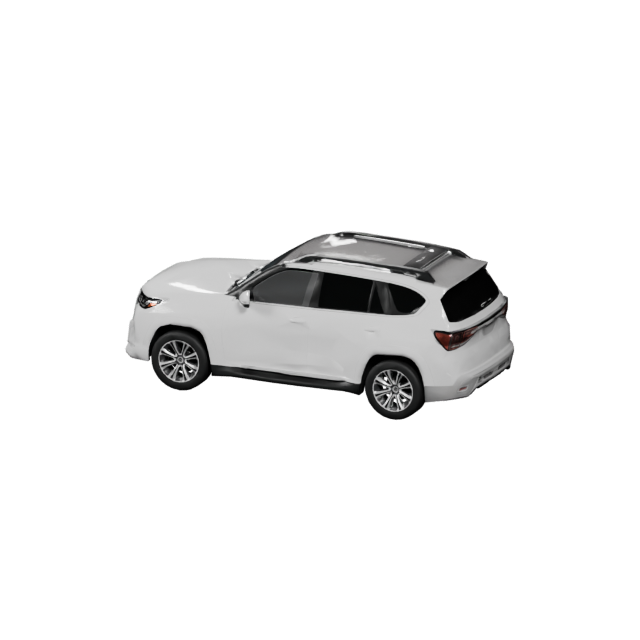
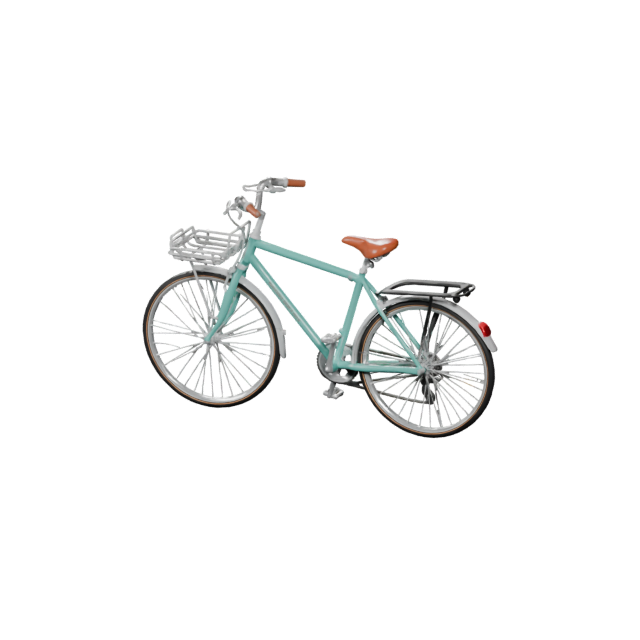
Turn a toy picture into 3DTurn car, bike, and concept-vehicle pictures into 3D models for games, design studies, dioramas, and presentation renders.
Upload a vehicle pictureTurn furniture and home-goods pictures into 3D models for interior previews, room planning, AR placement, and catalogs.
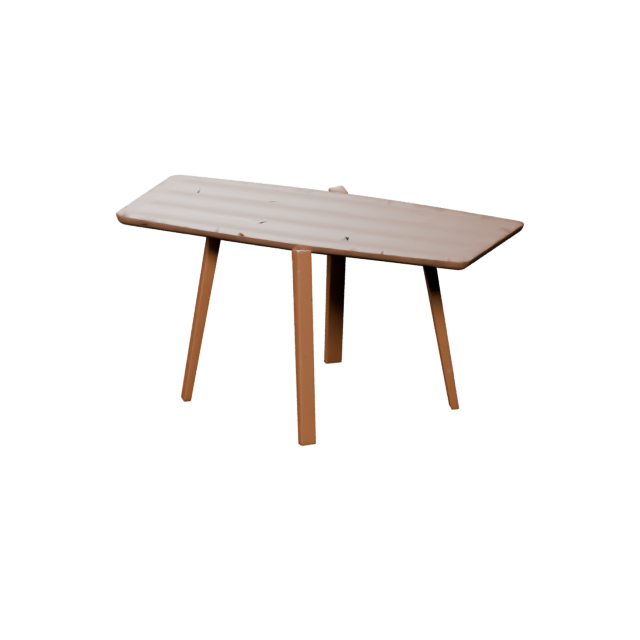
Upload a furniture pictureBuild rockets, drones, planes, and spacecraft from concept art or snapshots for games, simulations, and stylized scenes.
Upload a concept picture"Picture" means more than a camera shot. A phone snapshot, a hand-drawn sketch, a kid's drawing, a product shot, or a picture you saved — different pictures lead to different 3D results, so choose one that clearly shows the object you want to turn into a 3D model.
Clean pictures of props, devices, packaging, and everyday objects make strong, recognizable 3D models.
Best with: one subject · simple background · full object in frameMascot drawings, avatars, and creature concepts become stylized 3D characters and figures.
Best with: clear pose · readable silhouette · front or three-quarter viewHand-drawn pictures, kids' drawings, doodles, and concept sketches give the AI a clear shape to turn into a 3D model.
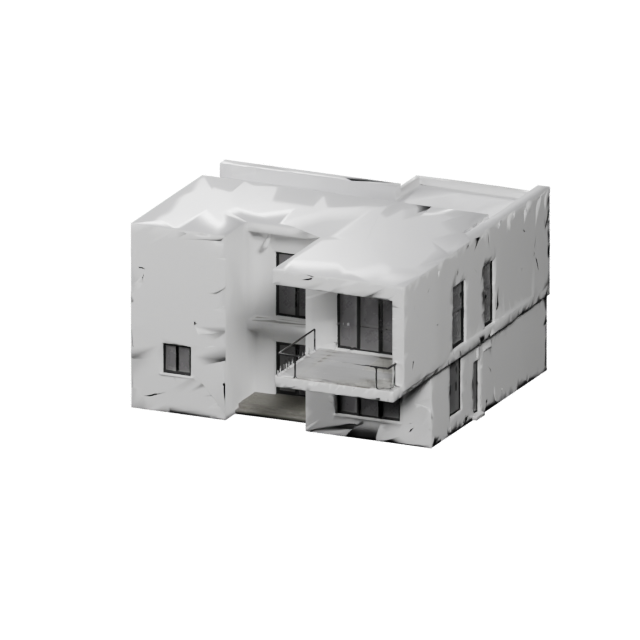
Best with: bold outlines · single object · minimal overlapPictures of houses, shops, and props become stylized 3D buildings for game worlds and dioramas.
Best with: clear front face · even lighting · limited clutterShoes, bags, and accessory pictures turn into 3D product models for e-commerce and AR try-on concepts.
Best with: side profile · plain backdrop · visible materialMugs, lanterns, tools, and decor become quick 3D assets for scenes, AR, and 3D-printing concepts.
Best with: upright angle · soft shadows · whole object shownPicture to 3D works best when the main subject is easy to read. A clean product shot, character reference, toy picture, or simple sketch usually beats a crowded scene with many overlapping items.
Use a picture with a single main object, character, product, toy, or prop.
A plain, low-clutter background helps the AI focus on the subject.
Avoid heavy cropping. Show the whole object whenever you can.
The shape should be easy to recognize from its outside edge.
Avoid harsh shadows, glare, blur, or very dark photos.
Keep hands, props, or other objects from covering the main subject.
Cues like plastic, metal, wood, ceramic, leather, or fabric guide the surface style.
A 3/4 view often captures more depth than a perfectly flat front shot.
Picture to 3D is a fast way to create creative 3D models from a visual reference. It shines for product concepts, game props, characters, toys, AR assets, 3D-printing concepts, and e-commerce visuals.
A single picture cannot always reveal every hidden part of an object. For exact engineering dimensions, mechanical CAD, medical reconstruction, or a perfect metrology scan, you will still want professional capture or manual modeling. With Make3DAI.com you can always refine the result afterward.
Upload a pictureA picture gives strong visual direction, but the 3D model should still be checked from every angle. The front may look great while the sides, back, base, or fine details need a quick pass.
Does the model match the overall subject in your picture?
Can you recognize the model from its outline alone?
Does the object read as solid volume, not a flat front face?
If the picture only shows the front, check how the back was inferred.
Do metal, fabric, plastic, wood, ceramic, or glass look close to your intent?
Tiny logos, text, thin wires, or fine patterns may need cleanup.
The first 3D model you make is a starting point. Make3DAI.com gives you a full toolkit to keep going afterward, so the model fits your real workflow.
A useful Picture to 3D flow should not trap your model in the browser. Make3DAI.com exports the common 3D formats so your asset moves into game engines, web viewers, AR platforms, design tools, and 3D-printing workflows.
Make3DAI.com gives picture-to-3D creators more than an upload box. It combines generation, browser preview, refinement, repair, conversion, and export in one connected 3D workspace.
Upload a photo, sketch, product shot, character reference, toy picture, or object image.
Make a rotatable 3D model, not just a 3D-style image.
Inspect the model directly in the browser before you download anything.
Use texture, repair, remeshing, segmentation, rendering, and conversion tools.
Download GLB, OBJ, FBX, STL, PLY, USDZ, or 3MF depending on your pipeline.
Turn pictures into 3D directions without starting from a blank modeling scene.
Answers for creators turning pictures of every kind — snapshots, drawings, sketches, product shots, and character references — into downloadable 3D models with Make3DAI.com.
Picture to 3D means turning any flat 2D picture — a snapshot, a drawing, a sketch, a product shot, a character reference, or a picture you saved — into a real 3D model. On Make3DAI.com you upload a picture, make a 3D model from it, preview the result in the browser, then refine, repair, convert, and download it as a 3D file.
Use the Picture to 3D uploader on this page, add a clear picture with one main subject, and pick a model version. Make3D AI builds the 3D model, you rotate and check it in the browser, then export GLB, OBJ, FBX, STL, PLY, USDZ, or 3MF.
Almost any picture with one clear subject works: a phone snapshot of a product, toy, prop, vehicle, or everyday object; a character reference; a hand-drawn sketch or a kid's drawing; concept art; or a picture you saved. Make3D AI builds the 3D model from the visible subject, shape, and surface direction in your picture.
Yes. Drawings are one of the most popular picture types on this page. Bold outlines, a single object, and a readable silhouette help Make3D AI turn a hand-drawn picture, doodle, or concept sketch into a 3D model you can preview, refine, and even 3D print.
A picture with one clear subject, a simple background, even lighting, the full object in frame, and a strong silhouette usually makes the best 3D model. A clean three-quarter angle often captures more depth than a flat front-on shot.
Yes. Product pictures work well for 3D product concepts, e-commerce assets, packaging mockups, furniture and home goods, and visual prototypes. The model you make can be previewed, refined, and exported for AR or web 3D.
Yes. Upload a character reference, mascot drawing, avatar, creature concept, or stylized game-art image and Make3D AI makes a 3D character-style model for games, animation, and collectibles.
Make3DAI.com is free to use, and every free member receives free credits that recover on a rolling 24-hour cycle. The V1.0 model lets free users make a 3D model from a picture, while higher-quality models with PBR materials, detailed geometry, and quad meshes are available on paid plans.
No. Picture to 3D makes a creative 3D model from a single visual reference. It is not a precision 3D scan or CAD reconstruction, so hidden sides, exact dimensions, and interiors are inferred by Make3D AI and may need refinement.
Make3DAI.com exports GLB, OBJ, FBX, STL, PLY, USDZ, and 3MF, so a model you make from a picture works in game engines, web viewers, AR, animation tools, and 3D-printing slicers.
Yes, especially for toys, props, miniatures, and simple objects. Export STL or 3MF, then use the Make3DAI.com 3D model repair tool and volume calculator to fix geometry and estimate material before you slice and print.
Make3D AI is best used with original or properly licensed references. Avoid uploading copyrighted characters, protected brand designs, or real-person likenesses unless you own the rights or have permission to use them.
Try a clearer picture, simplify the background, show the full object, use a stronger angle, or refine the result with the Make3D AI texture, repair, remeshing, and conversion tools. If a generation fails to produce a usable asset, the credits are returned automatically.
Use Make3DAI.com Picture to 3D to turn snapshots, drawings, sketches, product shots, character references, and toy pictures into downloadable 3D models. Make, preview, refine, repair, convert, and export your 3D model for games, product design, AR, 3D printing, e-commerce, education, and creative projects.